A quote is only as comparable as the request behind it. When buyers send “same as last time, make it bigger,” two suppliers price two different filters and the cheaper number wins for the wrong reason. A custom air filter RFQ fixes that: one sheet, the same fields for every vendor, blanks left blank rather than guessed. The goal is not more paperwork but a reply you can read side by side with two others.
Below is a blank template you can copy, the extra fields each filter type adds to it, what to attach, and how to score the reply against the same sheet. Testing methods, factory audits, and price-building are not here; they have their own guides. This article answers one question: what do you send so the number you get back means the thing you need?
Points clés à retenir
- Send one sheet to every vendor: the same fields, with blanks marked to confirm rather than guessed. Comparability comes from the shared sheet.
- Type decides the add-on fields: a pocket needs its length, and a carbon panel needs its target gas. The generic fields are only the floor.
- A quote that skipped a field is not cheaper: read every reply against the sheet you sent. A missing line is a requirement nobody priced.
Copy This Custom Air Filter RFQ Template
Send the same fifteen fields to every supplier. Fill what you know, write “to confirm” for the rest, and add nothing as a placeholder.
Copy the table as-is. The last column is yours: mark each line “must meet,” “acceptable alternative,” ou “to confirm,” so the supplier can see which requirements are fixed and which have room. That one column is what turns three replies into one comparison.
| Group | Field to specify | Status |
|---|---|---|
| Identity | Filter type or family | Must / Alt / To-confirm |
| Identity | Model or part code (if restocking) | To-confirm |
| Service | Application and air stream (température, humidité, poussière, gaz) | Must |
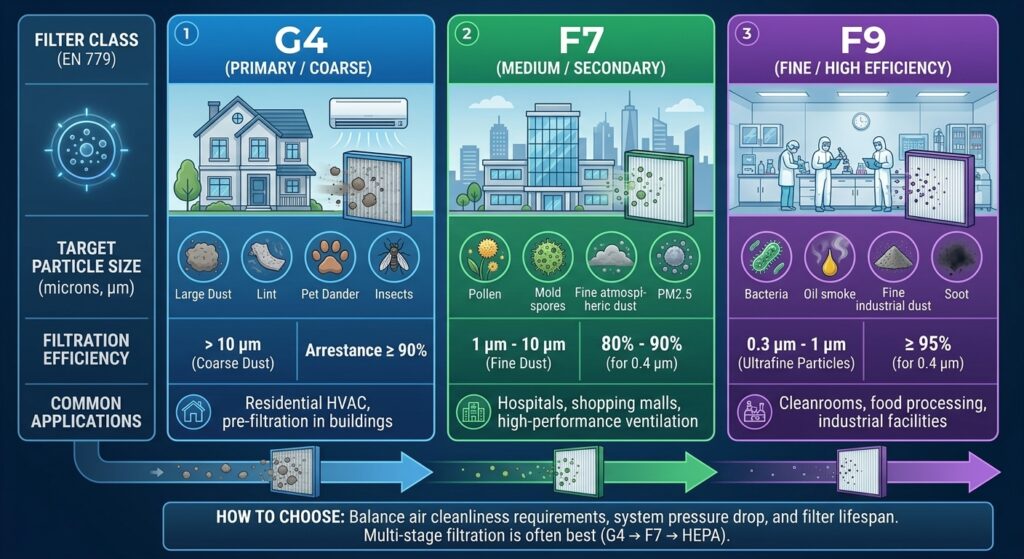
| Performance | Efficiency class and the standard it is named against | Must |
| Performance | Required airflow (m³ / h) at your face size | Must |
| Performance | Maximum initial resistance, and the change-out resistance limit | Must / To-confirm |
| Dimensions | Face width × height (one unit, MM) with tolerance | Must |
| Dimensions | Profondeur, plus withdrawal or insertion clearance | Must |
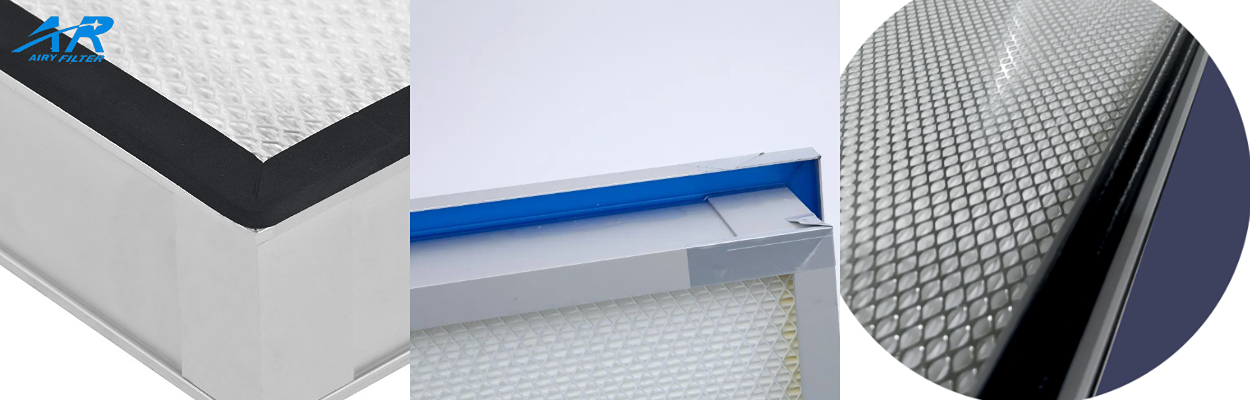
| Build | Frame or edge material | Must / Alt |
| Interface | Sealing and mounting type (gel, joint, flange, track) | Must |
| Interface | Airflow direction and clean side | Must |
| Order | Quantity and spares | Must |
| Order | Per-unit test reports required, nommé par type, with format | Must / Alt |
| Livraison | Packaging and a target lead time (a request, not an invented date) | To-confirm |
| Custom | Versioned drawing for any non-standard size, counter-signed first | Must (if custom) |
Keep the sheet vendor-neutral on purpose. The same rows go to every supplier unchanged, so a difference between two replies points at the product or the price. It never points at a question one vendor got and another did not. Resist adding a private note to one vendor’s copy. Whatever is worth telling one is worth telling all.
Add the Fields Required for Your Filter Type
The fifteen generic fields are a floor. Each family adds two to five fields that decide whether the quote is for the right object.
Treat the list below as a checklist you bolt onto the air filter RFQ template before sending. It is not a description of how each product works.
| Filter type | Add these fields to the RFQ |
|---|---|
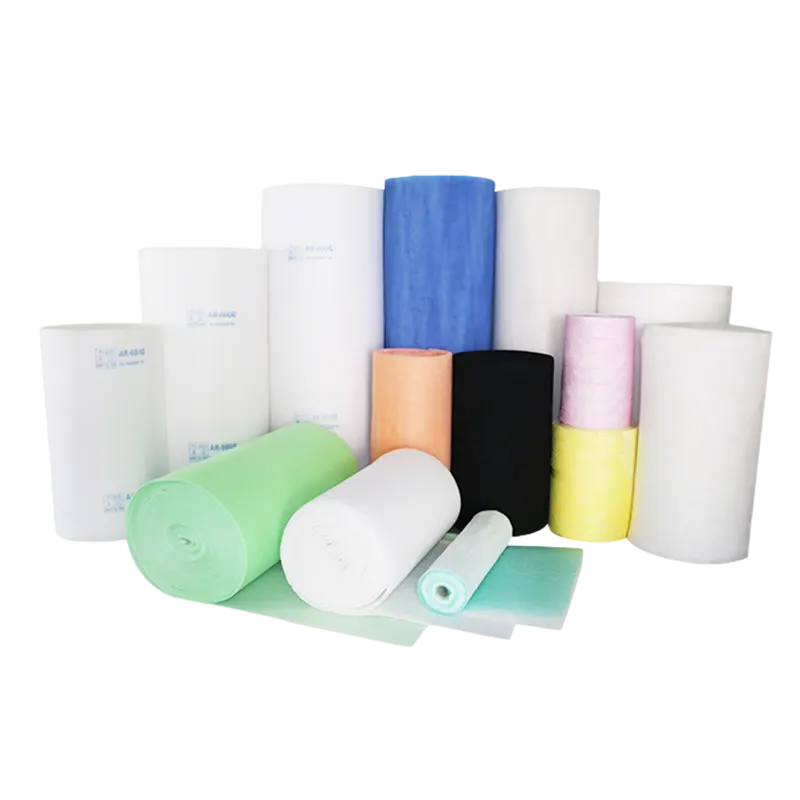
| Média filtrant (roll) | Largeur du rouleau, run length per roll, core size, winding direction, any perforation |
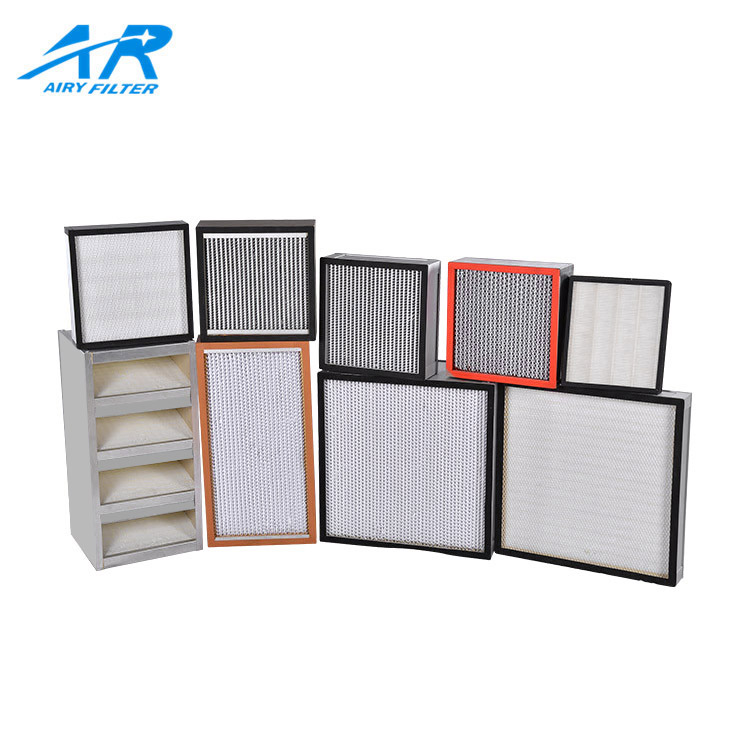
| Plissé / panneau | Face size, frame type, gasket or no-gasket, media weight class |
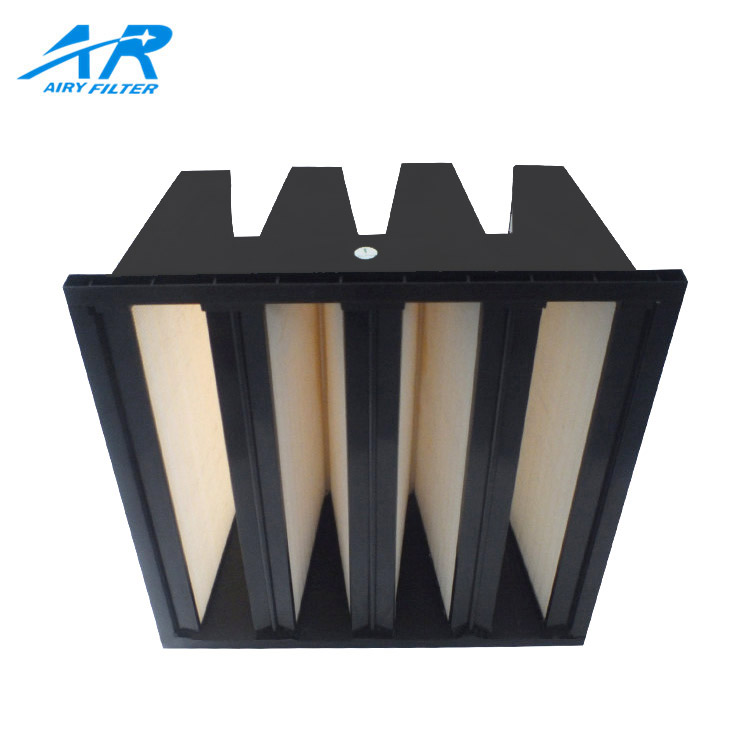
| Poche / sac: flexible or rigid pocket | Pocket length, compte de poche, header size, frame depth, classe |
| HEPA / ULPA terminal | Class and standard named, type de joint (gel or gasket), per-unit report set |
| Charbon actif | Target gas or vapor, carbon weight and depth, format and duty airflow |
Read the two tables together. The generic fields set the comparison, and the add-ons make sure each vendor quotes the right object. A pocket length left out turns “610×610” into two prices for two different depths. A target gas left out of a carbon request turns “activated carbon panel” into a guess about what it removes. The add-on fields are short, but they decide an apple-to-apple quote.
Attach Drawings, Photos, and Reference Documents
Attachments settle the three things a field box cannot: exact geometry, the real interface, and which version is authoritative.
Send them in order of value. Start with a dimension drawing for any custom size, then a clear photo of the old element’s stamped model and mounting face. Add a photo of the opening or track it seals into, and any project specification that names the class. Each one removes a guess the supplier would otherwise make for you.

Three checks keep the attachments honest. D'abord, unités: state millimeters everywhere and confirm the supplier read them that way, because a number without a unit is a defect waiting to be cut. Notre guide des tailles covers the nominal-versus-actual trap that bites here — a 610 nominal part is not a 610 actual one. Deuxième, version: label every drawing and spec file with a version and date, and let the RFQ name the one that governs. Troisième, purpose of any physical sample: write down whether a shipped sample is a reference to copy, a part to test, or a tolerance gauge. An unlabeled sample becomes an argument later.
When a project specification defines the job, attach it and name the governing section. Cite the class clause, the resistance limit, and the testing standard it names. If a supplier quotes to a different document than you will build against, you hold two specs and no agreement yet. Reconcile them in writing before the order, not after delivery.
Separate Fixed Requirements from Supplier Recommendations
A field you leave blank and a field you invent cost the same. Mark what is fixed, what can vary, et ce qui est encore ouvert, then let the supplier propose only on the open ones.
The Status column does three jobs. “Must meet” is non-negotiable: your class, your face and depth, your sealing interface, your required airflow. “Acceptable alternative” is where the supplier may propose, such as a different frame material or a higher-rated model, provided it still meets the musts. “To confirm” is an honest blank, where the supplier answers instead of assuming.
The rule that keeps the comparison clean is simple: do not fill an unknown field with a plausible default. A guessed tolerance or a made-up change-out pressure looks tidy, yet makes two quotes impossible to compare, because each supplier optimises against a different imaginary number. Flag it “to confirm” and let the reply carry the answer. When a supplier suggests an alternative, write back the exact field it replaces and ask them to restate its airflow-and-resistance pair. That discipline runs from pleated panels up through the HEPA classes.
Log the flags as you go. When several replies come back, the status marks are what let you line them up. Check the “must meet” answers straight down a column. Le “acceptable alternative” rows, where vendors diverge, are exactly where a cheaper quote may give away something you did not agree to. Every divergence you accept should carry the same written trail as a fixed requirement — restated, and confirmed in the reply.
Check the Supplier’s Reply for Missing Information
Read the answer with the same sheet you sent. Any field the supplier skipped, changed, or quietly upgraded is the difference between two comparable quotes.
Take each reply back through the fifteen generic rows and the type add-ons, and log four things. Gaps: a field left unanswered or answered “standard.” Deviations: a number that differs from your entry, and which way. Substitutions: a model or material swapped in, and whether it still clears your “must meet” column. Contenu de la livraison: what actually arrives — the unit, which reports, what packaging, and which drawing version. Anything still marked “to confirm” is an open question that should not sit inside a signed order. A framework such as ISO 9001 asks the same of purchasing information: requirements decided and communicated before they reach the supplier. A blank in the reply is a requirement that did not get communicated.
Example — a filled sheet
A buyer restocking a rigid-pocket housing fills the template below. The figures are the AR-HCD-F7 datasheet row, not the buyer’s own duty point.
- Taper: pochette rigide. Model code: to confirm against the old frame.
- Classe: F7/UE7, standard named. Débit d'air nominal: 4,250 m³ / h. Résistance initiale: 80 Pennsylvanie. Final change-out: 200 Pennsylvanie.
- Face: 592×592 mm actual. Profondeur: 600 MM. Six pockets, 4.5 m² media. Cadre: galvanisé.
- Interface: existing track and seal, photo attached. Qty: 24. Per-unit reports: not required for a pre-filter, stated as such.
With more than one reply, lay them side by side on one copy of the sheet, one column per supplier and one row per field, marked met, deviated, or missing. The pattern you are hunting is the quiet substitution: a higher class than you asked for, a shorter depth, or a report line left blank. That is what makes the lowest total attractive while it prices a different filter. Read the missing rows before you compare the totals.
Aéré Custom Air Filter Solutions
Airy provides customized air filtration solutions to help buyers control dimension fit, maintain sealed interfaces, and improve quote accuracy.
A Sheet Airy Builds To
Airy can quote against a full air filter RFQ sheet rather than a photo and a phone call. The build follows your stated class, flux d'air, et la profondeur.
Frames, médias, and sealing options span the published ranges in the Filtres HEPA et salles blanches catalogue sur ce site.
Sizes and Interfaces Confirm on Paper
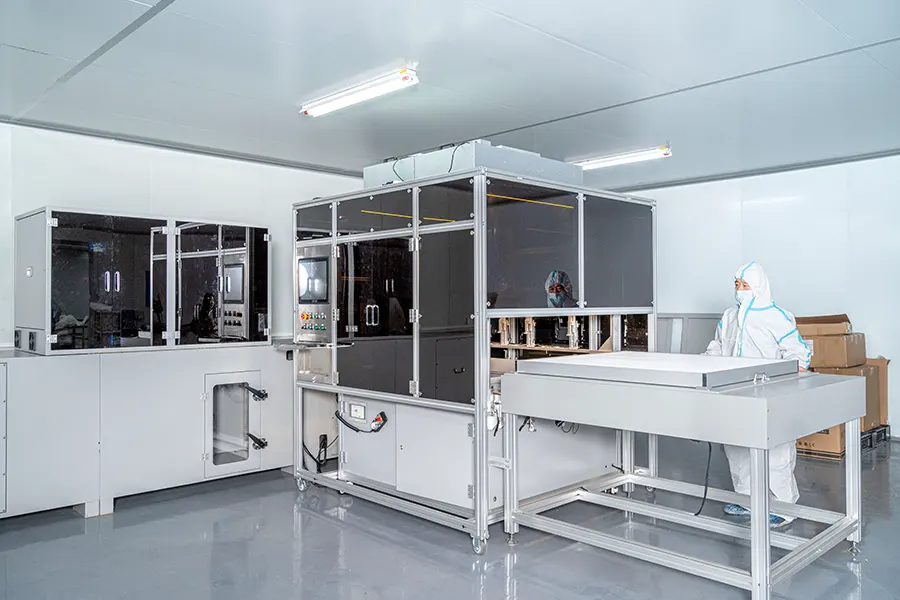
Airy can supply standard panel, poche, and HEPA terminal formats, and build non-standard sizes on a counter-signed drawing. Confirm every tolerance and the sealing interface in writing before production.
From Sheet to Sample
Send the fifteen-field sheet with your attachments, and Airy can help confirm which model, classe, and report package match it. Un échantillon approuvé fixe ensuite la norme pour chaque commande ultérieure..

Foire aux questions
Five questions about using the RFQ sheet, and the practical answer for each.
Can I send an RFQ without a full datasheet?
Oui. Send the fields you know and mark the rest “to confirm.” You will get a conditional quote, not a firm one. Every vendor then prices the same brief, and the same gaps come back as questions rather than silent assumptions buried in a number.
Are photos of the old part enough?
A photo helps but rarely suffices on its own. Add the three measurements, the face, the depth, and the opening or track it seals into, plus any stamped model you can read. Photo plus those measurements is the practical minimum for a replacement quote.
How should I fill in dimensions?
One unit, width × height × depth, stated as actual and not just nominal, with a tolerance and the withdrawal clearance. If you only have the old part’s nominal name, say so and flag the actual size “to confirm.” A measurement off the unit beats a catalog name.
How do I write alternatives into the RFQ?
Use the status column. Tag a field “acceptable alternative” only where a swap is genuinely fine. Then ask the supplier to name the field it replaces and restate the airflow-and-resistance pair for it. Anything you did not open up stays in the “must meet” column by default.
What do I check when the quote comes back?
Run it through the same sheet. Check any unanswered field, any changed number, any swapped model, and what the delivery scope actually includes. Ask the supplier to fill the template back rather than send prose, so the gaps show up faster. Resolve every “to confirm” before you sign.